
Reference

1xbd App — Your Account in Your Pocket

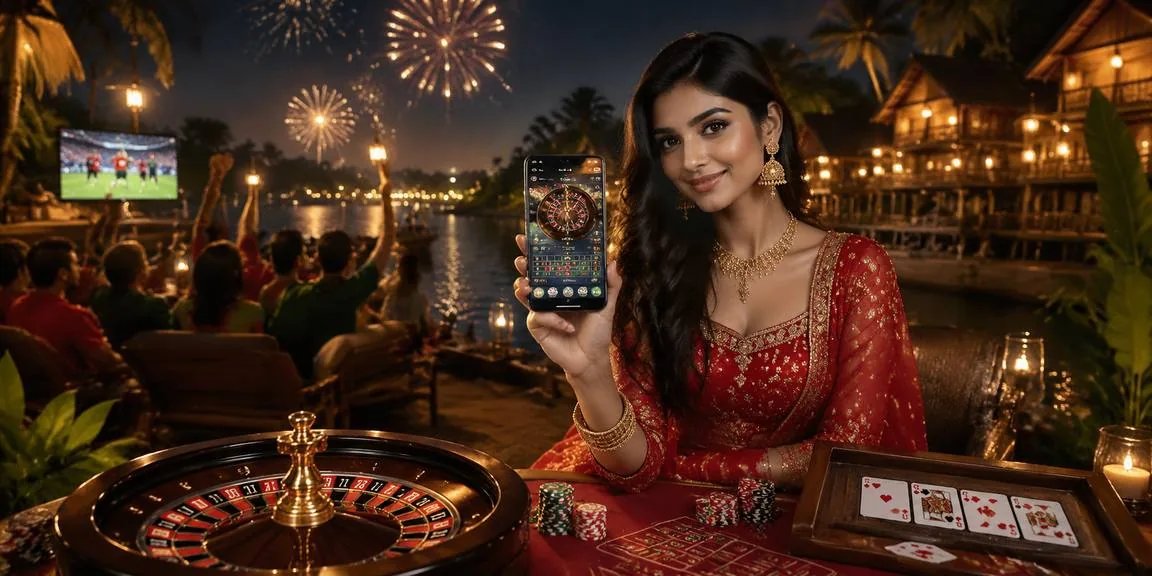
The 1xbd mobile experience runs directly in your phone browser — no waiting for a store download. Open the site, sign in, and your full account is there: live tables, crash games, slots, and the sportsbook, all sized for your screen.

mobile browser accessaccount wallet on the goavailability check requiredcricket and live casino ready
1xbd 1xbd App — Your Account in Your Pocket

Which Devices Work With 1xbd

Before your first mobile session, run through this checklist to confirm your device and browser are set up correctly for uninterrupted access.

Browser versionChrome 110 or later and Safari 15 or later handle live casino streams and the crash game engine without issues. Older versions may show a blank game frame.
Screen layoutThe interface is optimised for screens from 5 inches upward. Tablets load the desktop-style layout automatically; phones get the condensed single-column view.
Account requirementsFull lobby access requires a verified account. Some game categories, including live tables and sports betting, are only available after identity verification is complete.
Supported regionsAccess to the 1xbd lobby depends on your location and local law. If the site does not load, your region may not currently be in the eligible access list.
Connection qualityLive casino tables and crash games like Crash Skyward stream video in real time. A stable 4G or Wi-Fi connection keeps the stream smooth; weak signals may cause frame drops.
1xbd Mobile Access in 3 Steps

Mobile Access in 3 Steps

Getting into your 1xbd account on mobile does not require an APK file or an app store listing. The mobile site is the access point. Step one: open the current 1xbd address in your phone browser — Chrome on Android and Safari on iOS both work without extra settings. Step two: check that your browser is up to date; an older browser

version may not render the live casino stream or the betslip correctly. Step three: sign in with your account credentials or use fingerprint login if you have already enabled it. Your wallet balance, deposit history, and open bets carry over instantly from any previous desktop session.

  • Open the site — Navigate to 1xbd in your mobile browser. No separate download link is needed — the mobile layout loads automatically on phones and tablets.
  • Check browser compatibility — Use an updated version of Chrome, Safari, or Firefox. Outdated browsers may block live-stream content or prevent the cashier from loading correctly.
  • Sign in securely — Enter your account details or authenticate with fingerprint if your device supports it. Two-factor verification may apply depending on your account security settings.
  • Verify your wallet — Confirm your bKash, Nagad, or Rocket wallet is linked in account settings before your first mobile deposit so the cashier screen shows your preferred method immediately.

1xbd Features That Come With Mobile Access

Features That Come With Mobile Access

Once you are signed in through the mobile browser, the lobby loads with the same game catalogue you get on desktop — Crash Bangladesh Arena, Football Betmaster, and live baccarat tables from Evolution are all reachable from the home screen. Push notifications keep you updated on account activity and deposit confirmations. Quick deposit puts your bKash or Nagad wallet one tap away

from the cashier screen. Fingerprint login is supported on compatible Android and iOS devices, so you skip the password step on return visits. Players in Dhaka reach the full lobby in seconds on a standard 4G connection.

Inside the Mobile Experience

Four things that make the mobile session feel different from a desktop tab — each one built around how you actually use your account on the go.

Fingerprint Login

On supported Android and iOS devices, biometric login replaces your password on return visits. Your account opens in one touch without re-entering credentials each time.

Push Notifications

Account alerts — deposit confirmations, withdrawal status, and promo board updates — arrive as push notifications so you stay informed without keeping the browser open.

Quick Deposit

The cashier shortcut sits in the mobile nav bar. Tap it, choose bKash, Nagad, or Rocket, and you are at the payment screen without navigating through the full lobby first.

Dark Mode Display

The interface switches to a dark layout automatically when your device is in dark mode, reducing eye strain during late-night sessions on live tables or crash games.

Common Questions About the 1xbd App

Straight answers to what people ask most about accessing 1xbd on mobile.

Whether a native app build is currently listed on Google Play or the App Store can change. Check the 1xbd site directly for any current download link or use the mobile browser version in the meantime.

Yes. The cashier in the mobile browser supports bKash, Nagad, and Rocket. Tap the quick deposit shortcut, select your wallet, and follow the on-screen steps to complete the transfer.

Biometric login works on Android and iOS devices that have fingerprint hardware and a compatible browser. You enable it once in account security settings and it applies to all future mobile sign-ins.

Your balance, deposit history, open bets, and wallet settings are tied to your account, not your device. Switching between desktop and mobile shows the same figures in real time.

First check that your browser is updated and that you have a stable connection. If the stream still fails, clear the browser cache and reload. Persistent issues can be raised with account support.

Slots, crash games like Crash Fast Lift, live casino tables, and the sportsbook — including cricket markets for BPL and international matches — are all accessible through the mobile browser after account verification.
Reference

1xbd App

Service availability depends on eligible regions and local law. Users should check local rules before opening an account.

Access may be available only where local law permits.